Assess the venue
Business type, layout, floors, coverage areas, simultaneous guests and existing network details.
 A better guest experience.
+PlusSpot
Show us your venue and existing network. We prepare the suitable equipment, your welcome and guest journey. Then we check everything together.
Get a proposal for your venue
From setup to ongoing value
Build your own example. Every choice shapes the experience.
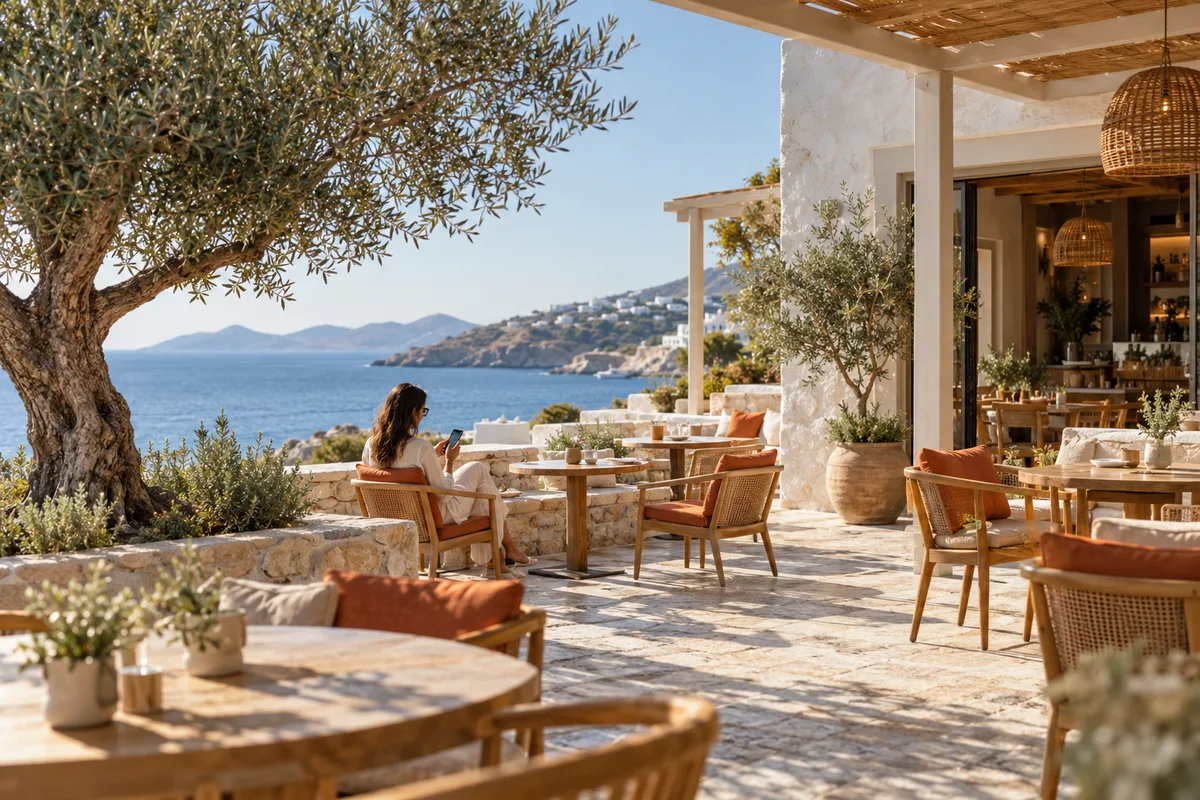 Cafés & dining
Next: we check equipment compatibility and coverage.
I am visiting and need WiFi. I do not need to install an app to see the welcome page.
A small café and a multi-storey hotel may need different equipment. A boat needs an available internet connection. Hardware and installation are quoted separately.
Business type, layout, floors, coverage areas, simultaneous guests and existing network details.
Agree equipment, cabling, costs and whether a technician is needed. Prepare your guest page name and content.
Check connectivity, coverage, access rules and the experience on phones. Staff and guest networks are designed separately where required.
Receive installation instructions, your support contact and a clear description of the functions available to you.
Three choices for initial guidance. This is not a technical survey or order.
Step 1 / 3
You don’t need to be a network expert. We learn about your venue and guide you through the next steps.
We review your internet connection, router and coverage points to see what can be reused.
An indicative equipment shortlist. Final selection requires venue assessment and testing of the configuration, rather than specifications alone.
Your proposal defines service, equipment and terms before any purchase.